Compare Online Bird Sound Identifiers: Features and Limits
Compare bird sound identifier online options by recording input, explanation quality, privacy, and verification steps so you know what a result actually means.
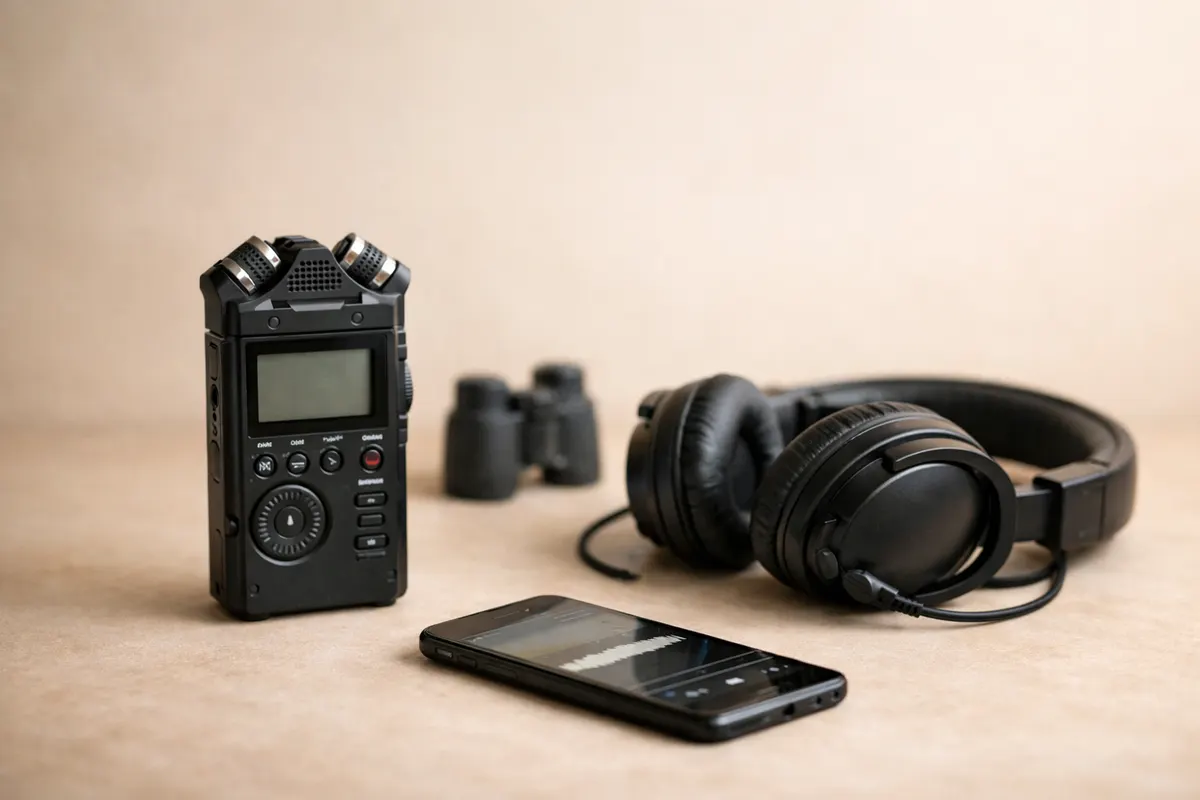
Who needs a bird sound identifier online and why
A bird sound identifier online is most useful for people who regularly hear birds but can’t get a visual confirmation: morning commuters hearing unfamiliar dawn-song, gardeners hearing an alarm call from a nearby tree, or land managers monitoring presence of a target species across a property. If you have short phone recordings or timed audio files and want a quick first-pass ID, these tools are designed for that exact situation.
Use cases differ. A birder who records a patterned trill may want a shortlist to check in the field. A volunteer monitoring several sites may need a separate workflow for batch analysis, recording dates, location notes, and archiving results. Someone with a single short phone clip may mainly need a clear list of possible species and a way to replay the relevant sound. Choose around the task you actually have; an upload widget and a survey platform serve different needs.
A critical point for any reader: an online sound match should be treated as a hypothesis, not proof. Short recordings can capture fragments, background noise, or mimicry. After a candidate name appears, ask for additional context — where you were (habitat), when you heard it (date/time), how many notes and their rhythm — then seek visual confirmation or multiple recordings before relying on the ID.
- Good fit: field birders with short phone recordings who need candidate species quickly.
- Research fit: volunteer monitors collecting many dawn-recordings who need batch analysis and metadata export.
- Not ideal: legal/mitigation decisions or scientific records without follow-up verification and raw-data archiving.
- Always combine the audio match with habitat, behavior, and season before concluding.
Feature checklist: compare input, results and data controls
Start with the recording you already have. Does the service accept uploaded files, record directly through a microphone, or require a separate mobile app? Check its supported formats, maximum duration, file size, and device requirements before signing up. A tool that accepts your existing WAV or MP3 clip may be sufficient for occasional use, even if it has no live recording feature. Test with a copy of your recording and keep the original.
Next, inspect what the result lets you verify. A ranked shortlist and the time range of a detected sound can help you locate what triggered a suggestion. A waveform shows changes in the signal over time; a spectrogram displays frequency information. Either display requires interpretation and does not itself establish a species. Reference recordings, regional filters, and explanations can be useful if offered, but check the actual interface instead of assuming every identifier includes them.
Treat model scores carefully. They may help rank candidates within a tool, but a score is not automatically the probability that a bird is present. Do not compare scores from different services as though their scales were interchangeable. If two tools disagree, return to the recording and check whether they detected the same moment. A strong-looking score still needs context, especially when another bird, traffic, or a person overlaps the call.
For privacy, check when a clip leaves your device, whether audio is retained, whether it becomes public, and what deletion controls exist. A service that works without a signup form may still use anonymous authentication and usage records. Do not assume that no account means no data collection. Avoid submitting conversations or sensitive location details, and ask the provider if its published policy does not explain audio handling.
For repeated monitoring, check batch processing, export formats, timestamps, location notes, and any review workflow separately. A named feature is useful only if its output fits your records. Try exporting a small sample, if exports are offered, and check whether you can connect each result back to the original clip. Treat these as purchasing criteria to verify, rather than a standard bundle included with every identifier.
- Input: file upload, microphone recording, accepted formats, duration and size limits.
- Results: candidate names, detected time ranges, replay and clearly explained score limits.
- Verification: external reference recordings and region, season and habitat checks.
- Privacy: upload timing, audio retention, sharing and deletion policy.
- Ongoing work: documented quotas, supported exports and links back to original recordings.
Free vs paid: verify the features you would use
Compare the published limits of each service before deciding whether a subscription is useful. Check the number of analyses allowed, accepted clip length, file size, and whether the service requires an account. A free allowance may cover occasional curiosity, while a recurring monitoring project may need more capacity. Limits and plan details can change, so use the provider’s current plan page and confirm them in the interface before paying.
Do not assume that payment adds regional models, CSV exports, batch uploads, or expert review. If one of those features matters to you, look for an explicit description and try it where a trial or sample is available. For an export feature, inspect the fields it contains. For human review, check who performs it, what evidence they examine, and what the review does and does not establish.
Price also does not establish accuracy for your recordings. Compare a small set of clips you understand well, including recordings with background noise, and note whether the service points to the correct moments and provides plausible alternatives. This is a practical fit check, not a scientific accuracy benchmark. Keep species confirmation separate from convenient features such as storage, exports, or higher quotas.
For a one-off question, begin with a clear clip and use the result as a lead for further listening. For a larger project, list the tasks that currently take time: trimming files, keeping recording notes, finding timestamps, or organizing results. Pay only when the documented features address those tasks. Preserve the original audio and your own observations even when a service stores a result for you.
- Check actual quotas and clip limits for each plan.
- Verify batch analysis, exports or human review individually if you need them.
- Compare workflow fit without treating price or model scores as accuracy guarantees.
- Keep original audio and observations outside the service for later review.
What the Bird Sound Identifier offers for a first check
The Bird Sound Identifier at birdcallidentifier.app accepts an existing recording through its browser upload tool. Use a clip between 3 and 30 seconds long and no larger than 10 MB. WAV and MP3 are supported in most browsers; other formats depend on browser support. This web interface uploads a file rather than recording through your microphone. Preview the chosen clip locally, then press Analyze bird sound to submit it for analysis.
Results can include up to five possible BirdNET species suggestions, model scores, and detected time ranges. Playing a detected moment returns you to that part of your own recording. It is not playback of a reference call from a species library. Use the shortlist to decide what to investigate next; the scores rank model suggestions and are not probabilities, accuracy guarantees, or confirmed identifications.
Record your own context separately: region, habitat, date, season, and any bird behavior you observed. The web tool does not use those notes as location or seasonal inputs to its model. Compare the suggested species with a regional field guide and independently sourced reference recordings. If you hear several birds, check that the candidate corresponds to the moment you were trying to identify, rather than another sound in the background.
Free daily limits apply, and the analysis requires sending the clip to the service. A local preview does not mean the subsequent analysis stays on your device. The tool uses anonymous authentication and usage controls even though it does not ask you to complete a signup form. Its interface alone does not establish how long uploaded audio is retained, so avoid private conversations and check with the provider when retention matters to your use.
For help comparing what you heard, see Bird Song Identification: Calls vs Songs and How to Compare What You Heard (https://birdcallidentifier.app/blog/bird-song-identification). If the shortlist remains ambiguous, collect another recording or seek a knowledgeable reviewer. The useful outcome of a first pass may be a narrower set of possibilities and a clearer next observation, rather than an immediate species name to report.
- Upload an existing 3–30 second clip of up to 10 MB.
- Review possible species, model scores and detected moments.
- Replay your own audio, then compare external reference recordings.
- Check region, season and habitat separately before relying on a suggestion.
Related guides
Try the Bird Sound Identifier with an existing clip
Upload a clear 3–30 second recording of up to 10 MB to the Bird Sound Identifier, review possible matches, and replay the detected moments in your own audio. Check the shortlist against your region, season, and a field guide before relying on a suggestion: https://birdcallidentifier.app/tools/bird-sound-identifier

Frequently asked questions
How accurate are bird sound identifier online tools for short phone recordings?
There is no single accuracy figure that applies to every tool or recording. Noise, overlapping birds, the species involved, and the length of the captured call can change the result. Treat the output as a shortlist to check against the original audio, regional references, habitat, and season. A high model score is not a confirmed identification.
What should I check in a result before trusting the species name?
Replay the detected moment in your original recording and compare it with external reference recordings, or built-in examples if available. Check region, habitat, season, and observed behavior. Model scores are not necessarily probabilities and should not be compared directly across tools. If a spectrogram or explanation is provided, use it as supporting information rather than proof.
Do these tools keep my location and recordings private?
Privacy practices differ by service. Look for explicit statements about whether recordings are public by default, whether exact coordinates are stored, and whether you can delete or anonymize prior uploads. For sensitive locations or rare species monitoring, choose a tool that offers private storage or editable location metadata.
When is human verification worth the extra time or cost?
Seek knowledgeable human review when an identification affects a survey, conservation report, or another consequential decision, or when automated suggestions remain ambiguous. Check whether review is actually offered and what evidence the reviewer needs. Human review can help assess uncertainty, but a poor recording may remain inconclusive; another recording or a visual observation may still be needed.